- No exercise files are needed for this tutorial
** Note that the process below is still being tested and developed.
It may change. Please report any problems with this. **
Intro
There are a number of locations in GSAS-II where the Bilbao
Crystallographic Server is accessed to perform computations requiring
space group analysis. We would love to have some of these capabilities
directly included into GSAS-II, we do not have the expertise in symmetry
that the folks associated with that web site or the years of work that
have been put into the capabilities available there.
While one can use this server from a computer browser, access to it
via software such as GSAS-II requires that you create a free account
with their server and then obtain an “API Key” that is then supplied to
GSAS-II. A number of short steps are required to obtain this API Key, as
shown below:
Request a BCS account
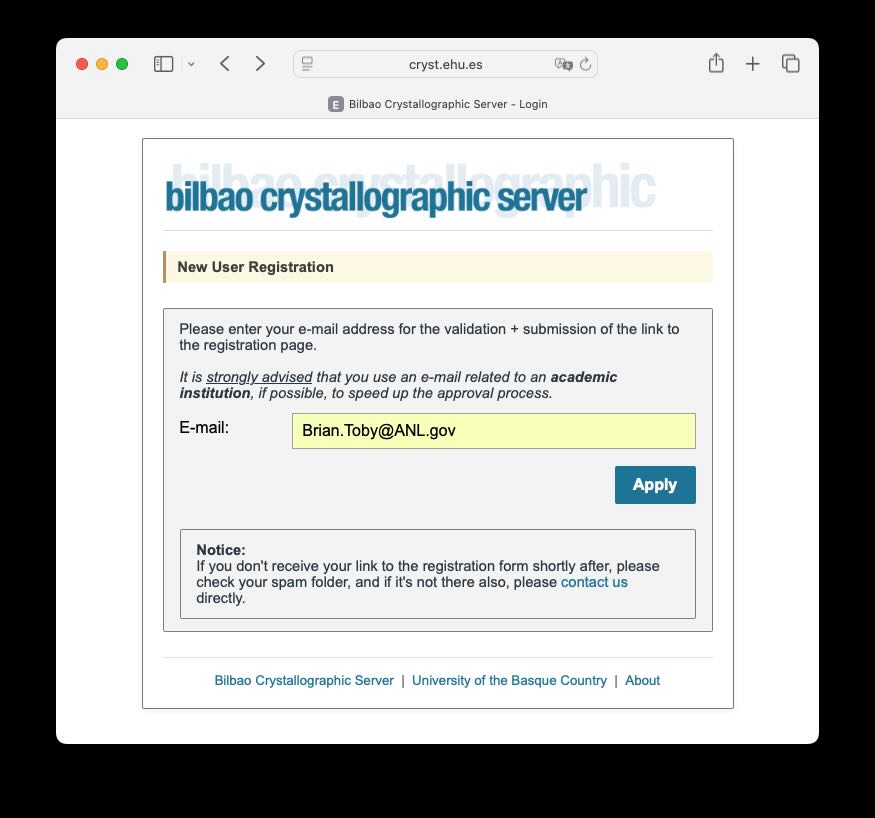
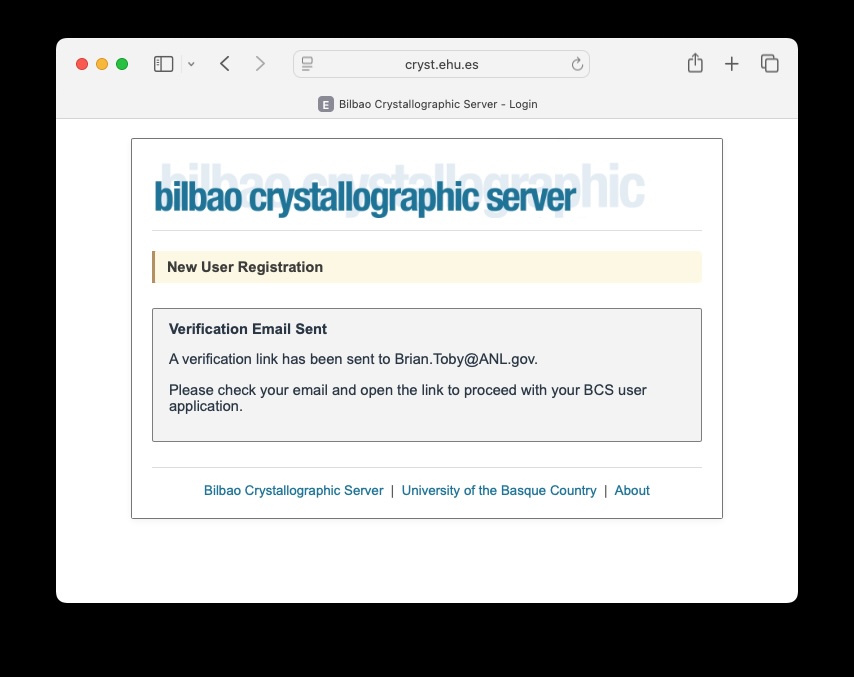
- Once you have pressed “Apply”, you should see a page telling you
that an e-mail has been sent to that address, as seen to the right:
Register for a BCS account
The response to the previous web form should be an e-mail allong the
lines of the following:
Please click the following link to verify your email address and
apply for an Bilbao Crystallographic Server user account:
https://cryst.ehu.es/cgi-bin/cryst/programs/UserRegister_form.pl?code=eyJzYWx0IjoiUFlYWGpvcmoiLCJlbWFpbCI6IkJy…
This link will expire in 24 hours.
If you didn’t request this, please ignore this email.
BCS API Team
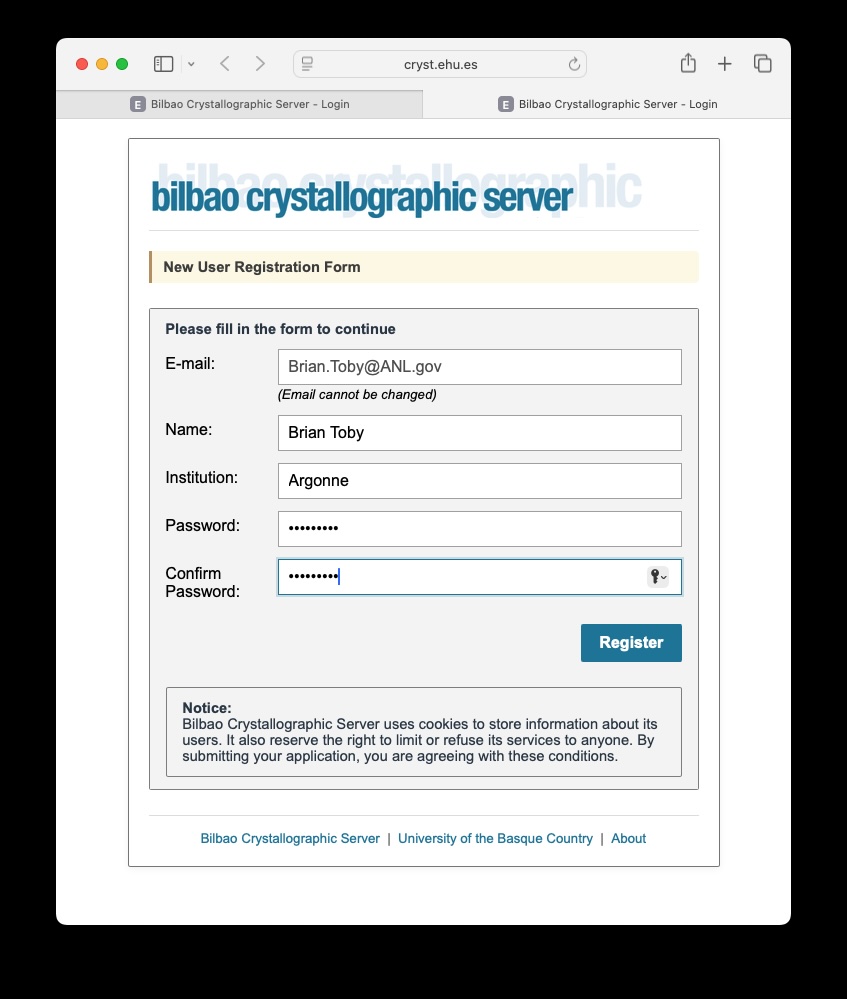
- Click on the provided link (or copy and paste it into a web browser)
which should raise a window like the one to the right, where you will
need to provide your name, an institution and a password.
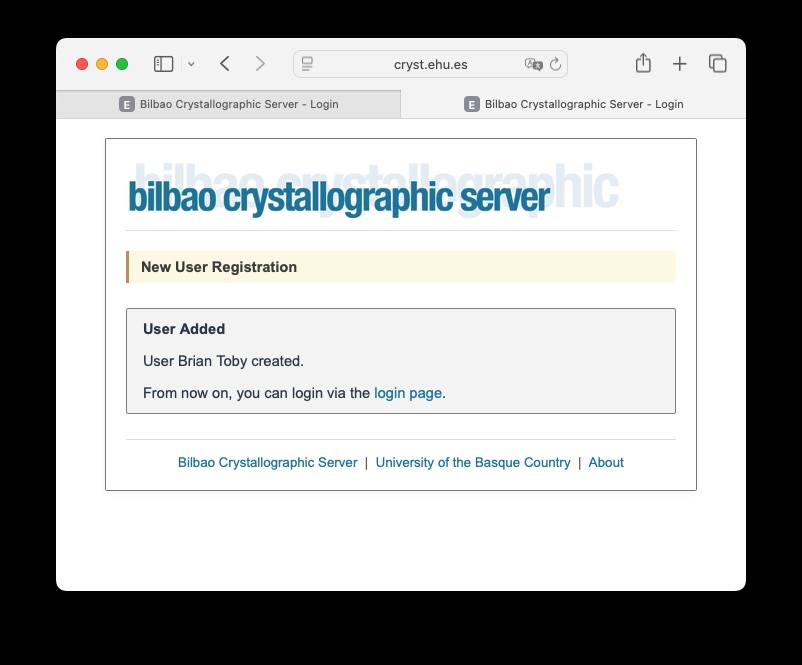
- After pressing “Register” on the above page, you will be told that
your account has been established, as shown in the window to the
right.
Create a BCS API Key
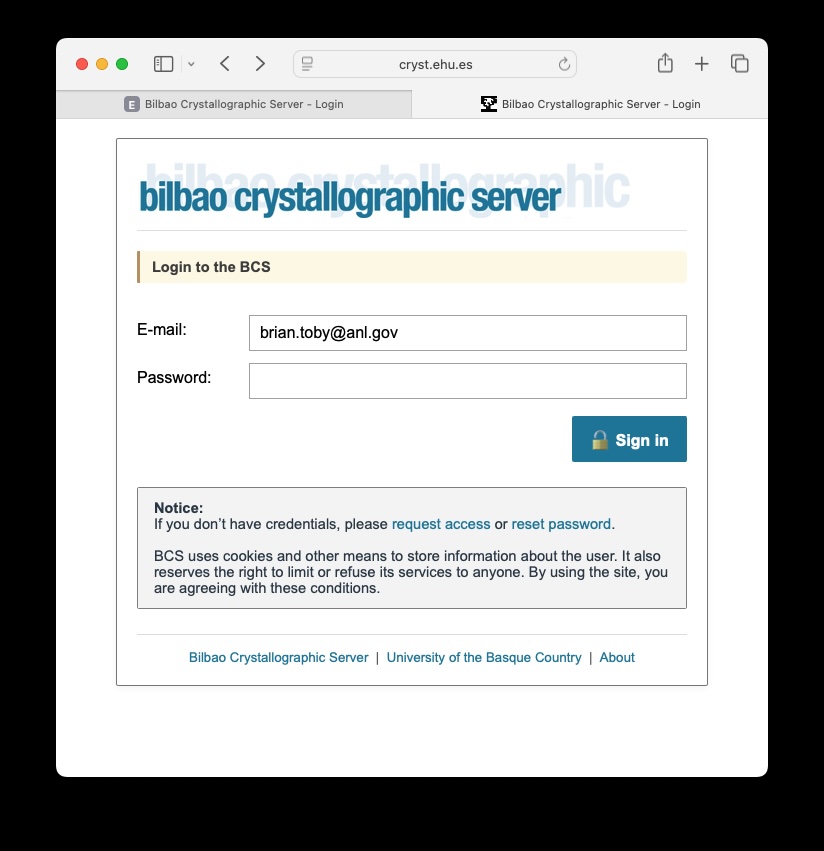
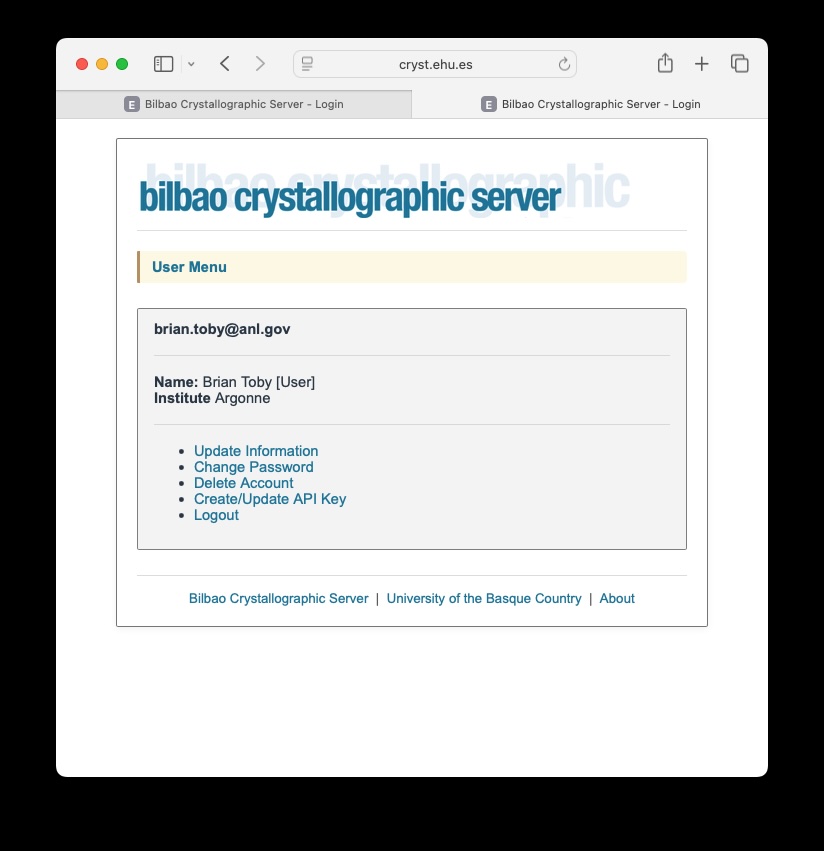
- This will bring you to a page with account options, as shown to the
right. Select the 4th option, “Create/Update API Key.”
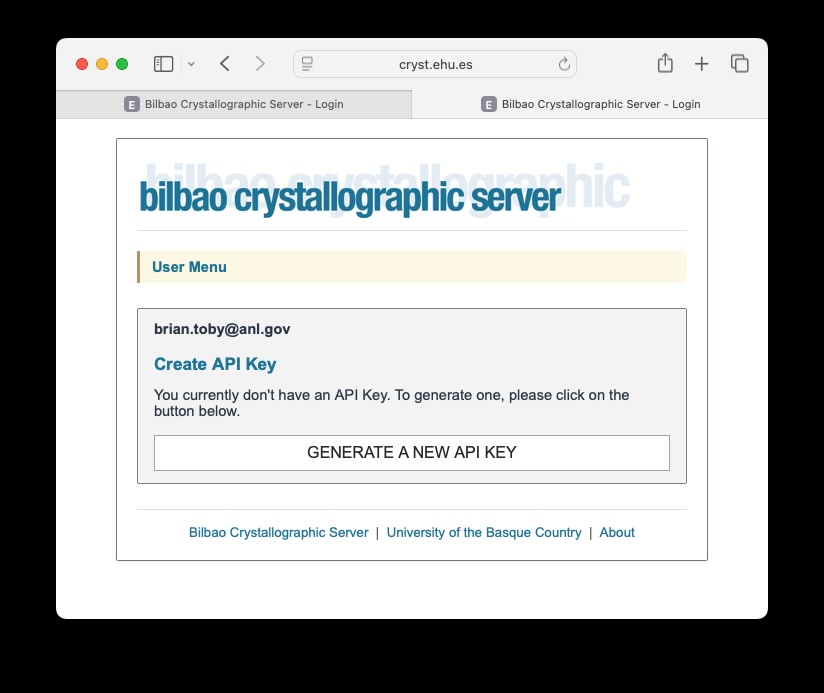
- The “Create/Update API Key” option opens the page to the right.
Click on the “GENERATE A NEW API KEY” option.
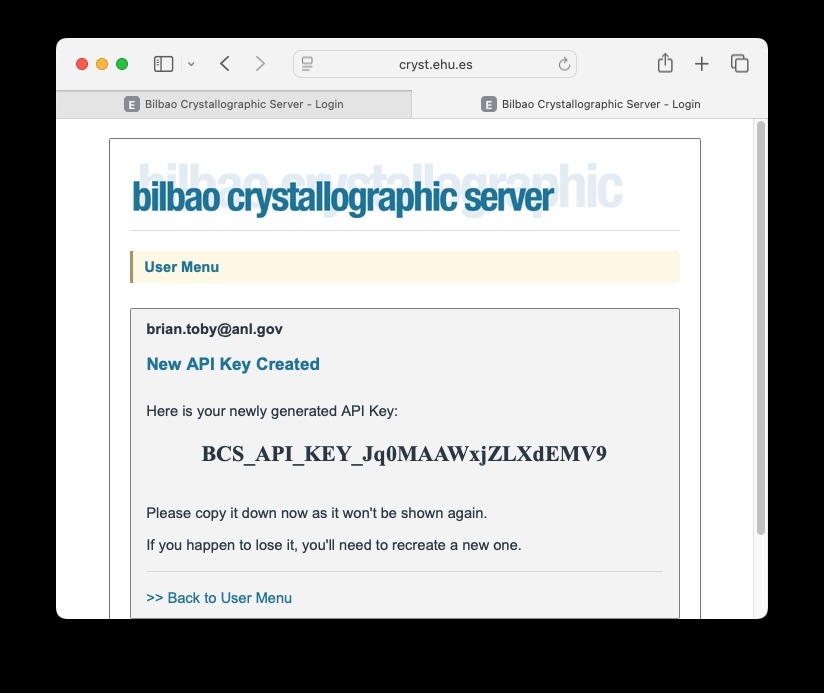
- This will open a page displaying the key that you have generated, as
shown to the right. Highlight the text beginning with BCS_ through the
end of the line and use your browser’s Copy command (usually control-C
or on Mac Command-C). You should not let anyone else have access to your
key. If there is excessive use by the key you have created, your access
to the server will be blocked. (Don’t bother trying to use the key in
the figure here; it does not work).
Supply the BCS API Key to
GSAS-II
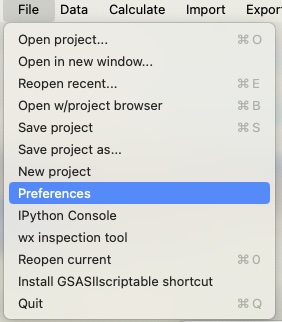
- Now open GSAS-II or use an existing GSAS-II session. In the File
menu, use the Preferences menu command, as to the right.
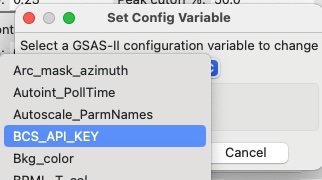
- In the Preferences window, select configuration variable
“BCS_API_KEY” in the pull-down list, as seen to the right.
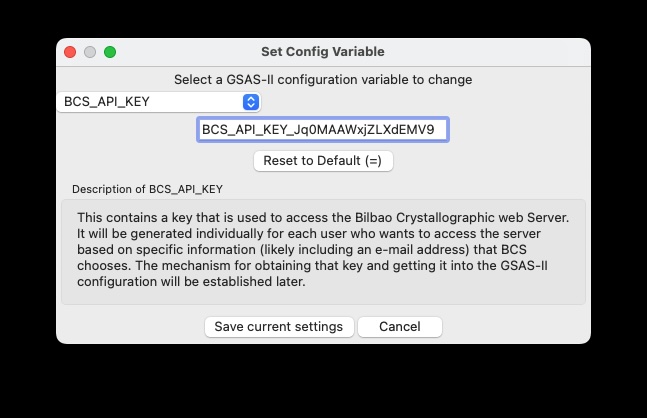
- Once the configuration variable “BCS_API_KEY” has been selected in
the pull-down list, the window to the right will be populated. Use the
paste function (usually control-V or on Mac Command-V) to place the text
into the entry box for the variable value. If that does not work, you
will need to type it in manually. Press “Save current settings” and the
window will close.
Test Access to BCS Using
the API Key
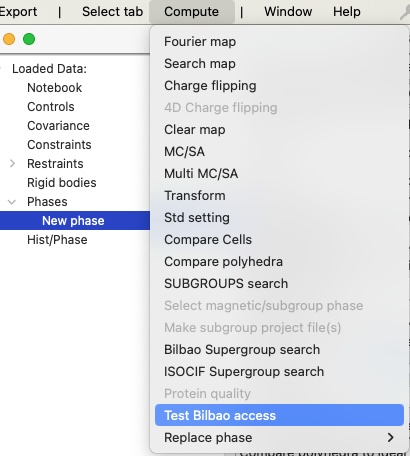
- Once the configuration variable “BCS_API_KEY” has been selected in
the pull-down list, as a simple way to test that access has now been
established, select any phase in your project. (If you do not have any
phases, use “Add new phase” the data menu to create one.) That will
bring up the Compute menu, which has an entry “Test Bilbao access”, as
seen to the right.
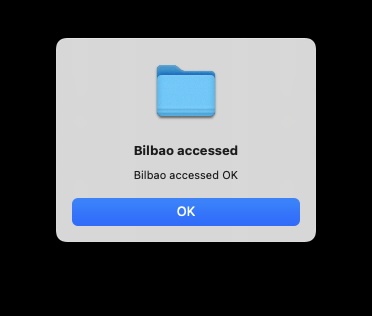
- After the “Test Bilbao access” menu command has been used, there
will be a short delay, as information is sent to that web server, along
with your API Key. When the reply is received, a message such as the one
to the right should be displayed.
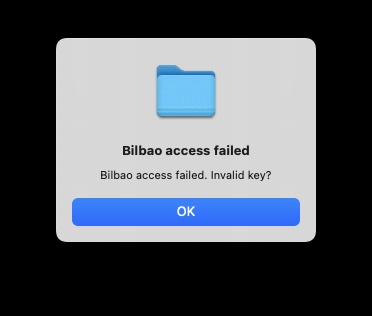
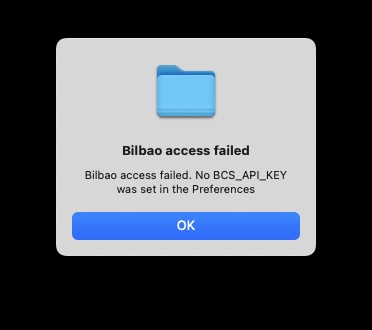
- Should an error occur, one of the two following errors messages will
be displayed: